
3 Tips for Working with a Roll Holder
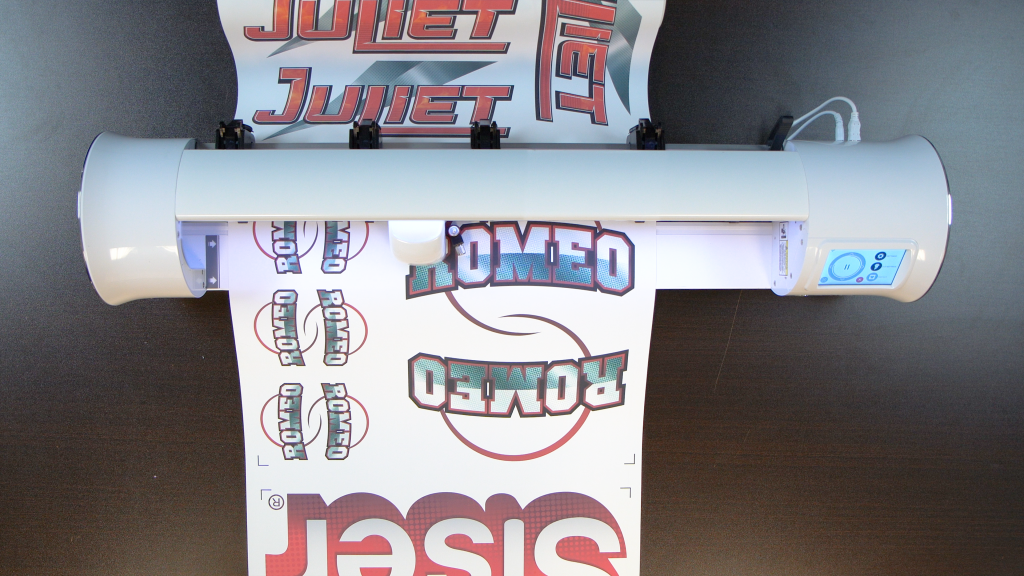
Sheets are neat, but rolls are all the rage when it comes to getting the most out of your materials! Whether you’re cutting rows of time logos, crafting one oversized design, or doing a mic of both (like the example below). a Roll Holder helps keep everything running smoothly. Even better, you don’t have to split up artwork to fit a standard cutting mat.
Before you start spinning those Roll Holder wheels, there are a few key things to know. Keep reading for a quick guide on how to set up your Roll Holder for success.
Should You Use a Roll Holder?
We get it – not everyone prefers rolls. If your go-to machine is the 12” Juliet™ , you may not ever need to cut longer than the included 24” mat. However, if you want to go beyond that, you absolutely can! The Juliet Roll Holder is available separately from any Authorized Distributor or Reseller.
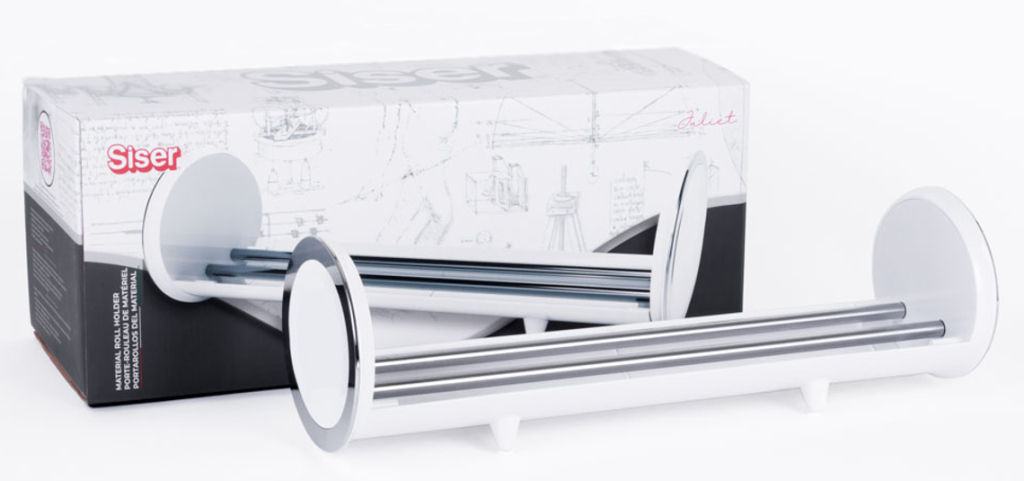
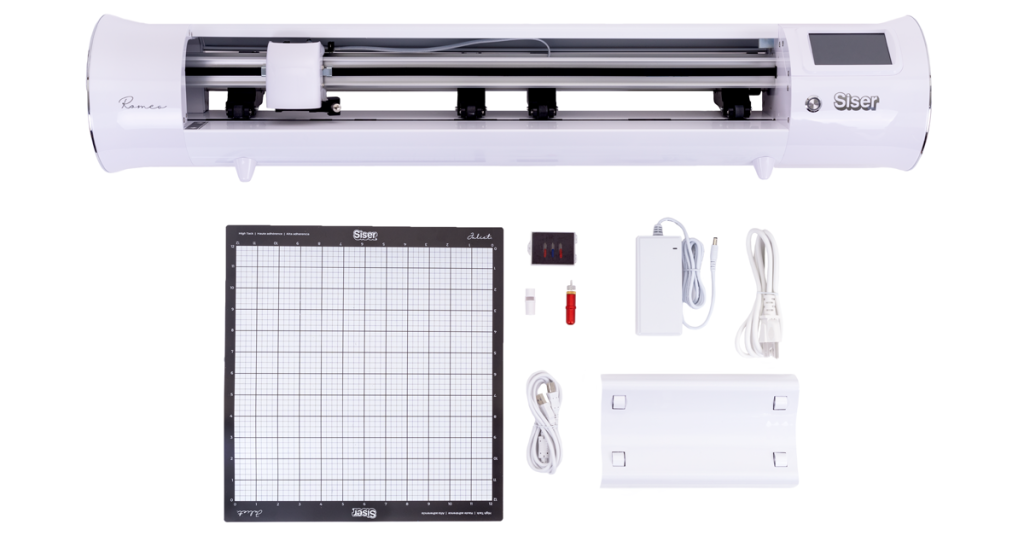
If you’re working with a Romeo™, you’re in luck! Rolls and Romeo go together like bread and butter – so the Roll Holder is included with your purchase of this high-definition cutter.
Whichever Roll Holder you’re using, the setup process is the same. Let’s dive into our top tips for matless cutting with a Roll Holder.
Tip #1: Position and Pinch
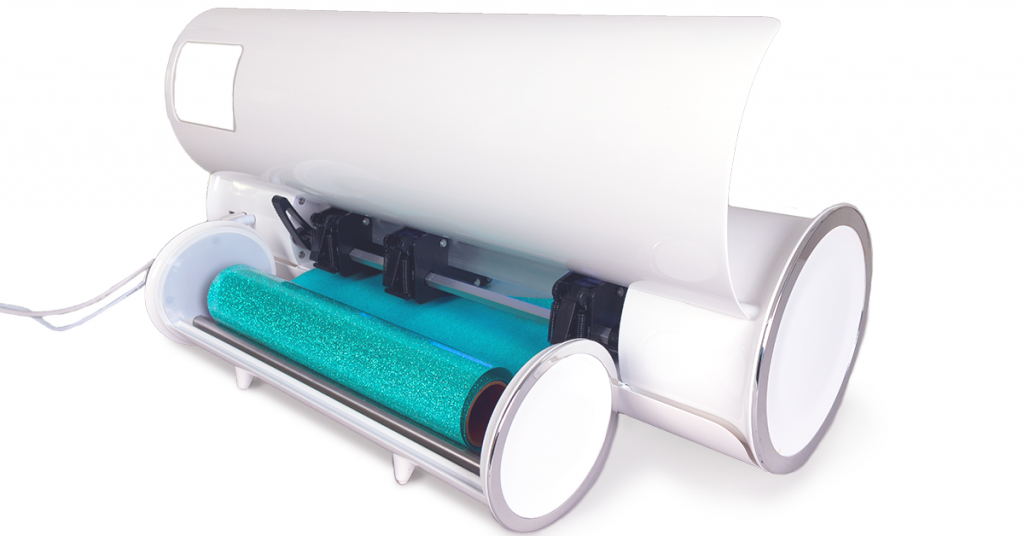
Start by placing the roll holder at the back of your Romeo or Juliet cutter. Then position the roll so the blade cuts on the correct side as the material feeds forward.
- For HTV, always cut through the adhesive side, not the carrier. Since the carrier isn’t always shiny, peel a small corner if you’re unsure. You can also check out this this blog post for help decoding vinyl lingo.
- For PSV, cut on the colored side – not the paper backing.
Line it Up Straight
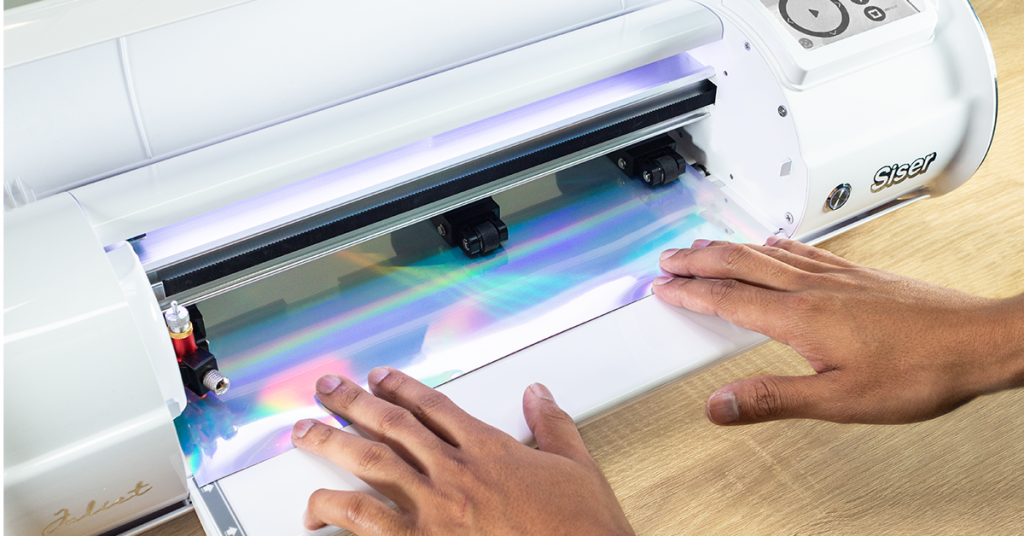
Feed the material as straight as possible. Use the guide strip on the left side near the cutting head to align it – unless you’re cutting wider than 12″ on Juliet (yes, Juliet can actually cut up to 13″ wide!). In that case, you can ignore the guide strip.
Check Your Pinch Rollers
Make sure the pinch rollers are evenly spaced across the width of your material. At minimum, place one roller on each side. For extra stability, add a third roller either in the center or doubled up on the outer edge, just like the image below shows.
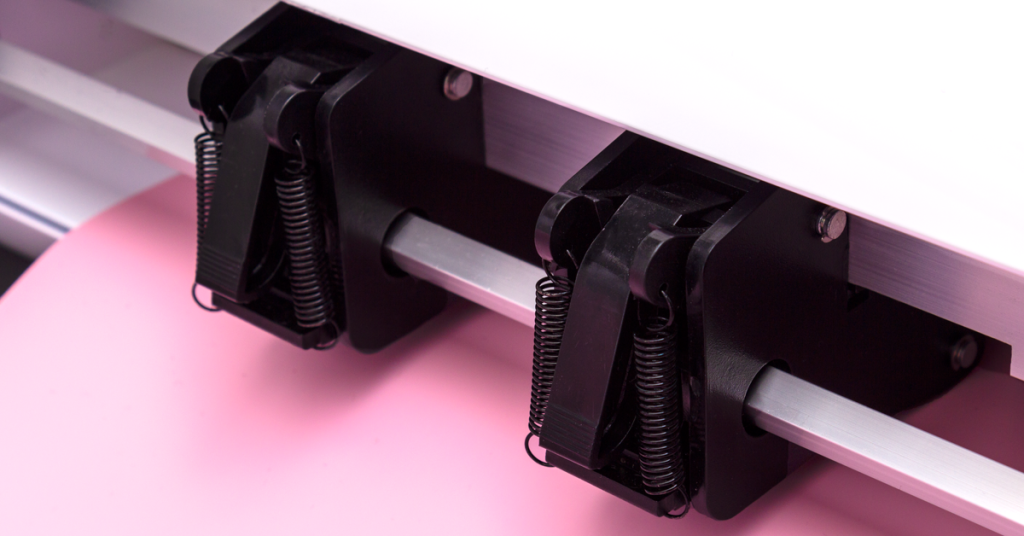
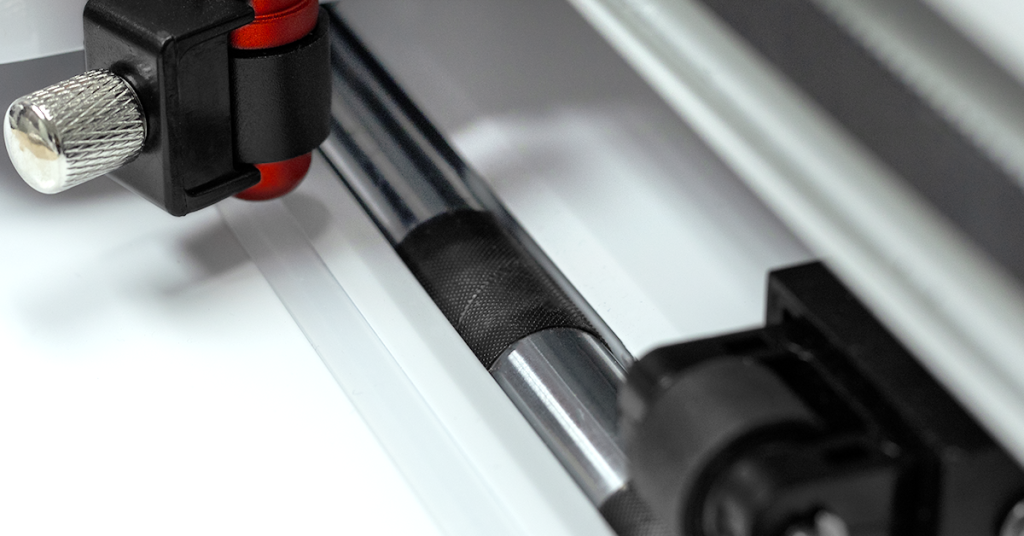
The most important factor in keeping your material stable is aligning the pinch rollers with the grit rollers – the textured sections under the silver bar help feed the material correctly.
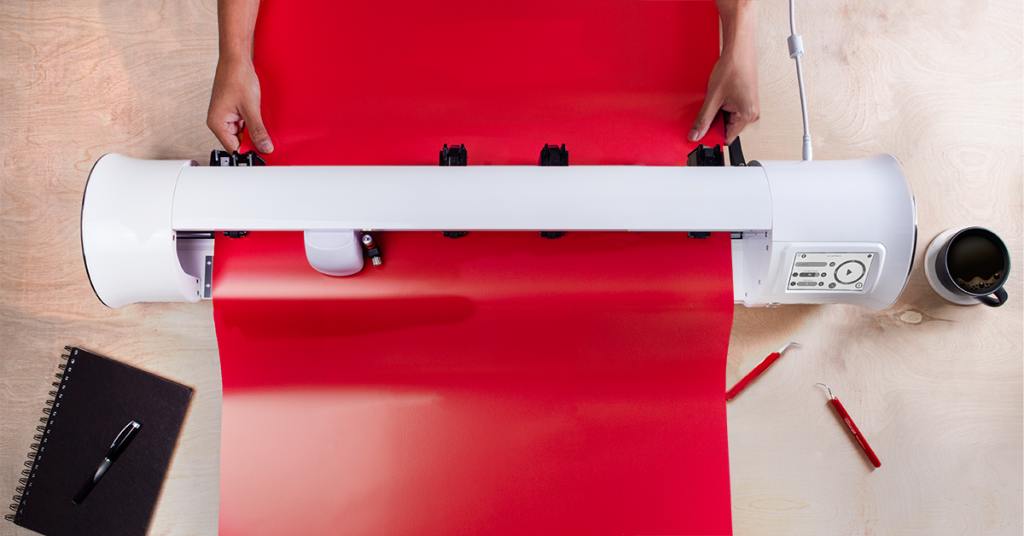
From the front of the cutter, you should see a bit of material on either side of the pinch rollers. This equal margin helps keep everything centered. Once everything is aligned, raise the lever at the back to lock the rollers in place.
Tip #2: Spacing and Slack
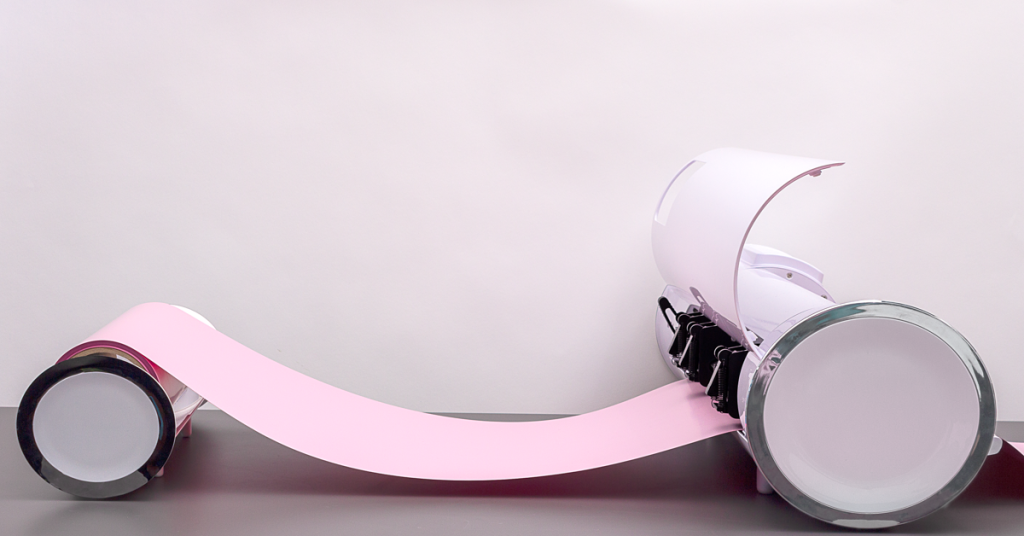
Your rolls will feed more smoothly when you give them a little breathing room. That means leaving a bit of space between the roll and the cutter, plus pulling out a few inches of slack.
This small adjustment helps prevent tension, which can cause miscuts and frustration.
Tip #3: Feed and Fix
Before you hit “Cut”, use the up and down arrows on the touchscreen to run a quick test.
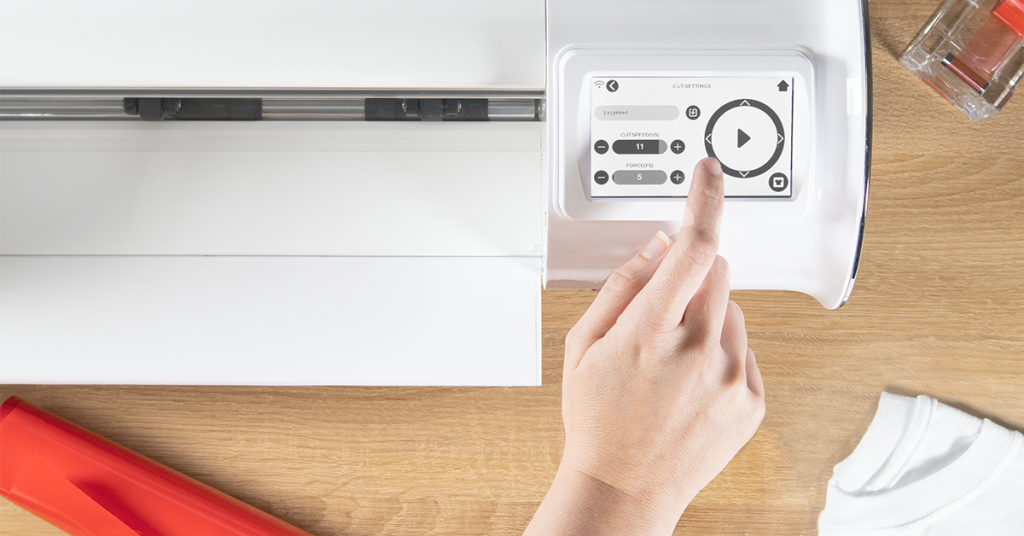
If the material moves back and forth without slipping or shifintg out of place, you’re good to go!
Just make sure your machine is set up for matless cutting in Leonardo™ Design Studio (not sure how? Check out this blog post for a quick step-by-step)!
However, if the material slips out of alignment, go back and review the first two steps. You may have missed a detail during setup.
Still having trouble? Don’t worry, we’ve got your back! Scroll down to watch a few short videos that walk you through the setup process.
Bonus Tip: Watch The Roll Holders in Action
Whether it’s HTV, PSV or another roll-fed material – if it fits on a 12″ roll (or smaller), the Juliet Roll Holder can handle it like a champ!
👉Watch how it works in the video below:
https://www.instagram.com/reel/Cq5t0MGNqxB/
From 3”-24” wide rolls and all sizes in between, you can cut them all with Romeo. See for yourself:
https://www.instagram.com/reel/CrmdHLJucml/
Cutting large quantities has never been easier or more accurate thanks to the Romeo and Juliet Roll Holders! Have you made anything with your Roll Holder? Show it off in our Facebook group: Siser North America Support!