
How to Create the Embossed Puff Effect
Are you a fan of the shiny, 3D look of Easy® Puff Metallic? If so, you may have heard about Kortez’s famous Car Show Effect— a special technique that adds extra dimension and color to your puffy creations!
But what if we told you there’s a new way to add extra texture and detail to your Easy Puff Metallic designs WITHOUT needing a second layer of vinyl? That’s right— I’m about to show you how to achieve the Embossed Puff Effect!
What is the Embossed Puff Effect?
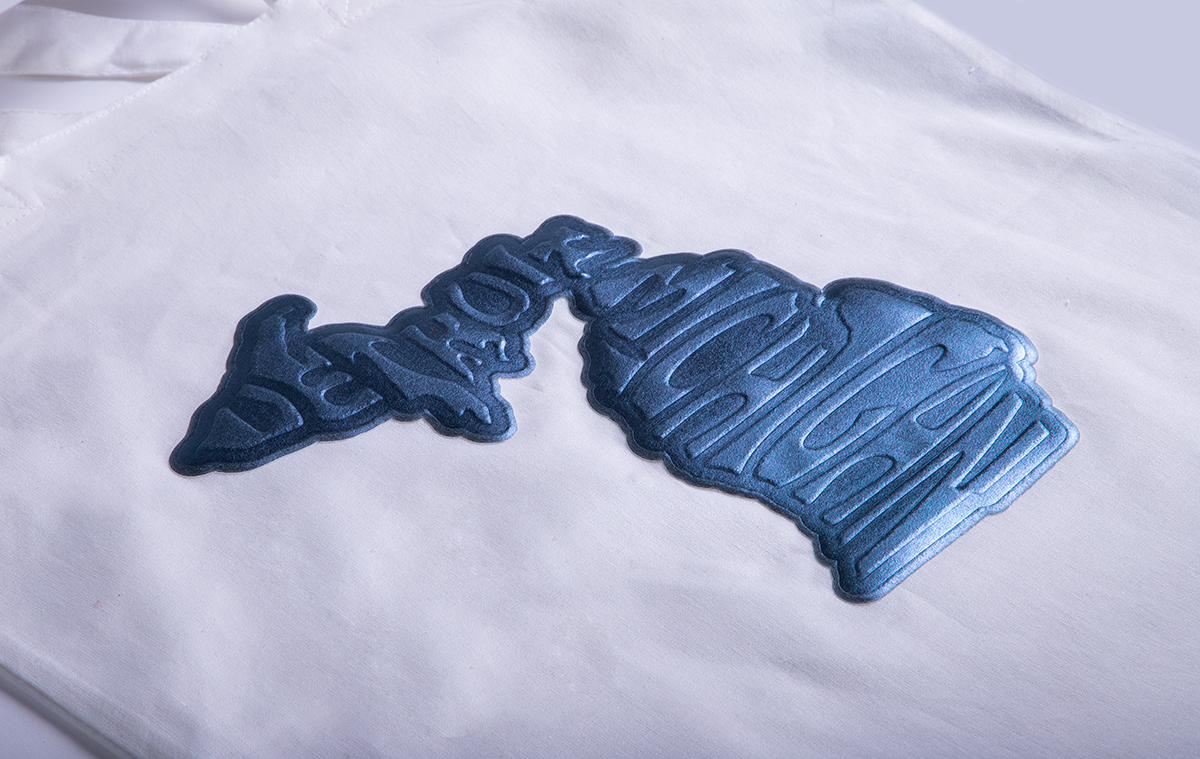
As the name implies, the Embossed Puff Effect is a special technique (discovered by our very own Cindy) that allows you to “imprint” permanent textures directly into the Easy Puff Metallic HTV.
What do I mean by this? Take a look below!


It’s somewhat similar to the Embossed Brick effect we’ve shown off for years, but this process works a bit differently.
(Haven’t heard about the Embossed Brick effect? Check it out in this video here!)
While it may look layered, this effect is achieved by embossing a single piece of HTV using a stencil.
Sound cool? Let’s dive into this technique so you can learn how to recreate this effect for yourself!
How to Create the Embossed Puff Effect
Supplies
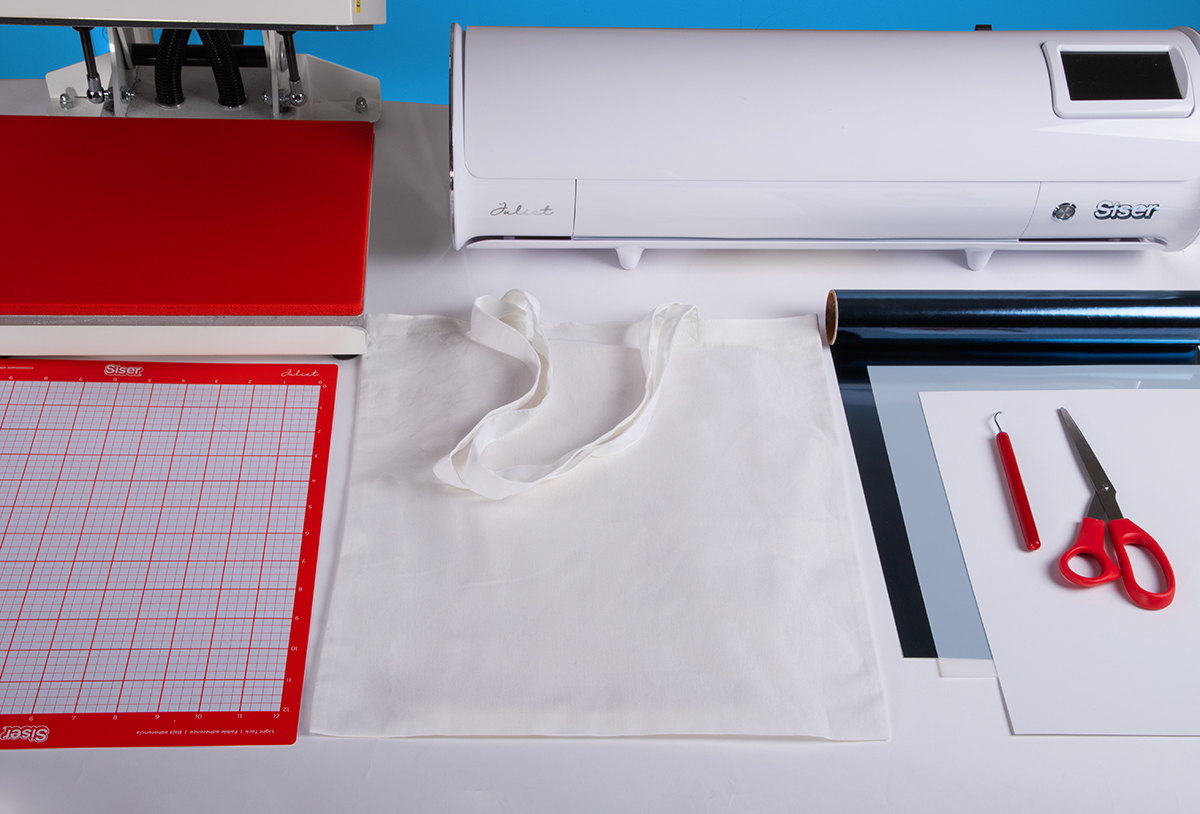
Before we start discussing the step-by-step tutorial for making this effect, let’s go over the supplies you’ll need:
- A computer with cut software installed (like Leonardo® Design Studio)
- A vinyl cutter (like Romeo® or Juliet®)
- A Light Tack Cutting Mat
- Easy Puff Metallic in your color of choice
- Cardstock or Stencil Material
- An EasyWeeder®
- A Heat Press
- Parchment Paper
- Scissors
Once you have all your supplies in order, go ahead and move onto step 1!
Step 1
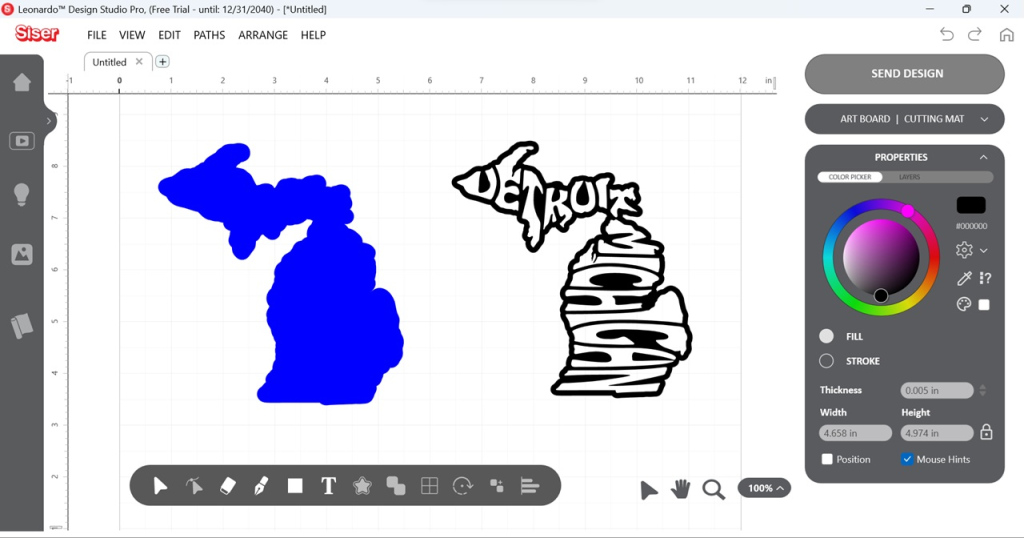
Open up the design you want to use in your design software and create a solid offset shape (no holes or cavities) from it. In Leonardo, you can achieve this by selecting your design, clicking the Build Contours Tool, choosing “Editable Contour”, and adjusting the offset amount.
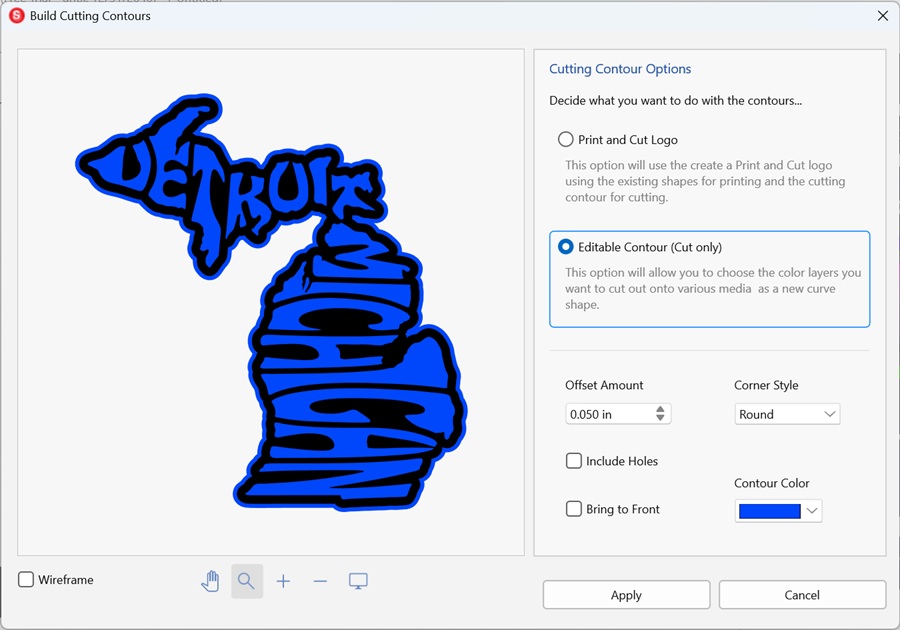
The offset can be as large as you would like, but we recommend sizing it to at least 0.05in.
Once the offset shape has been created, separate it from the original shape.
Step 2
Place your cardstock or stencil material on the light tack cutting mat and load into your cutter. In this case, I will be using cardstock.
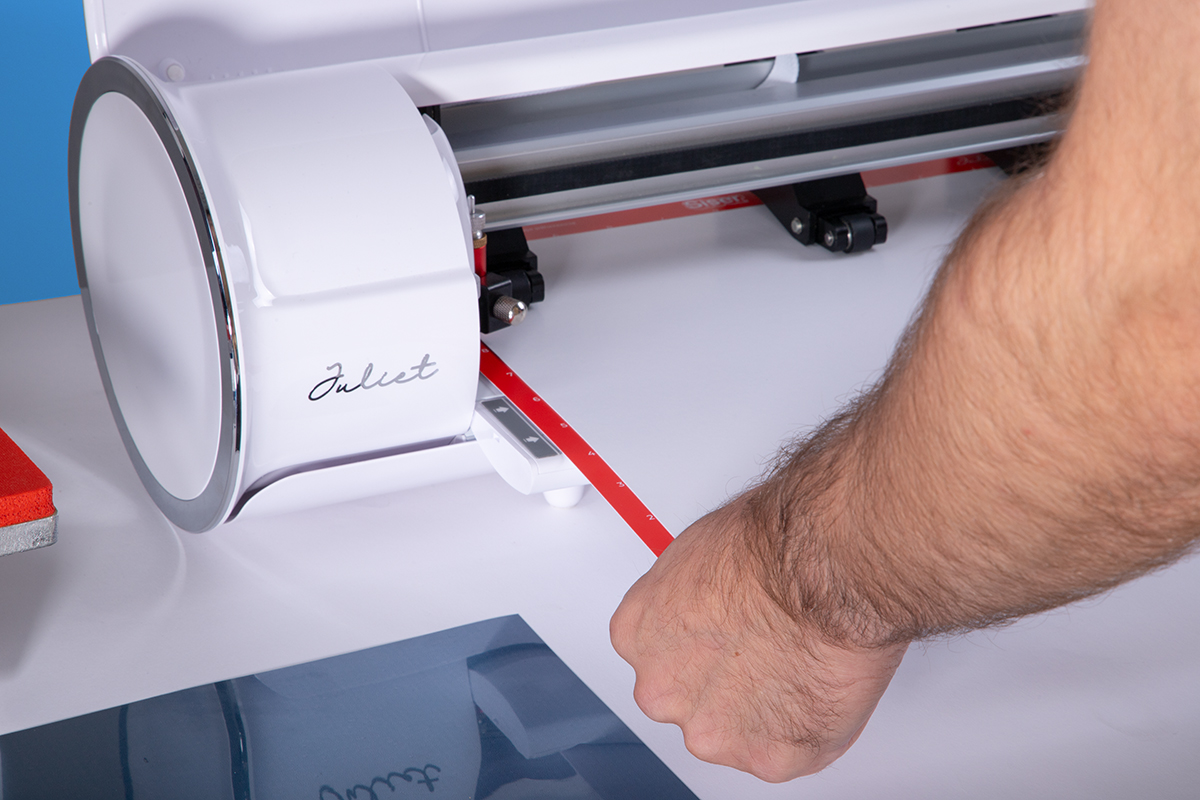
Your cut settings will vary depending on the thickness of your material, but here are our recommended starting points when working with Romeo or Juliet:
- Cardstock
- Force: 75-90
- 60° Cutting Blade
- Stencil Material (7mil)
- Force: 150+
- 60° Cutting Blade or Deep Cut Blade
As with all cut setting recommendations, we highly recommend you perform test cuts to dial in the correct settings for your cutter and material.
Step 3
With the cardstock (or stencil material) loaded in, send the stencil portion of your design from your cut software to the cutter.
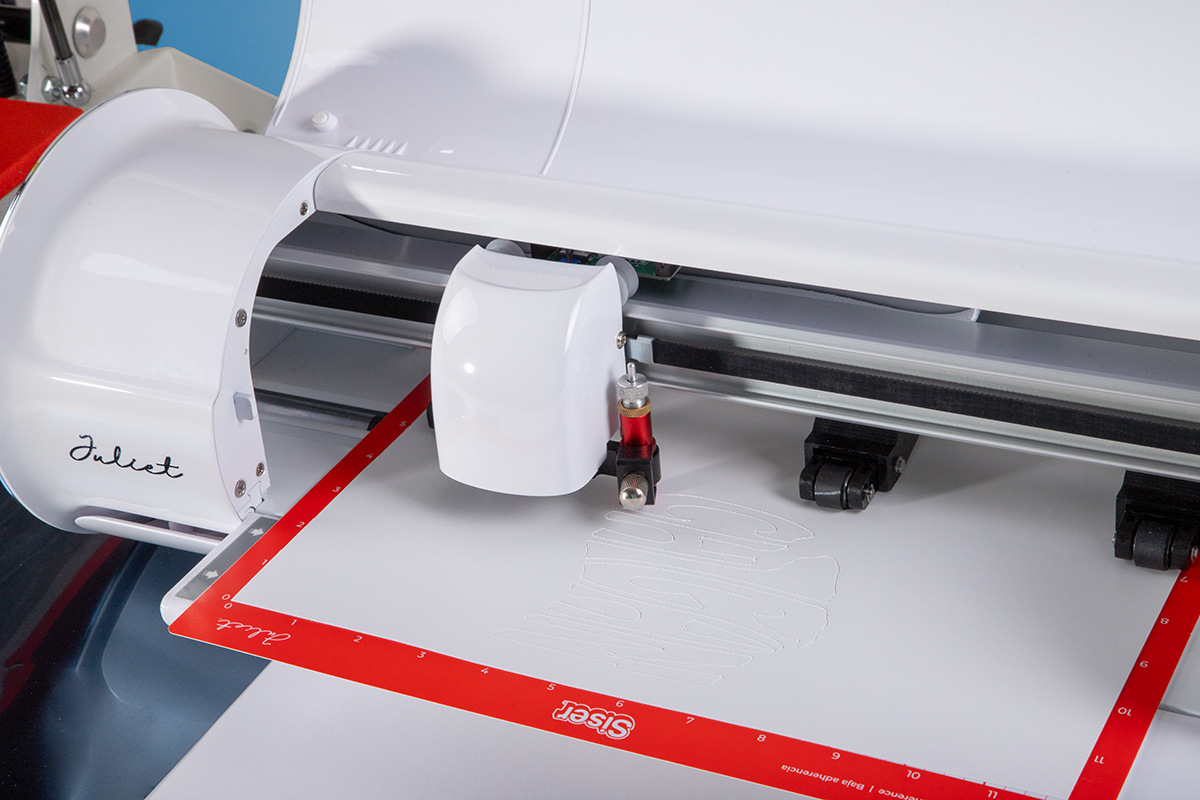
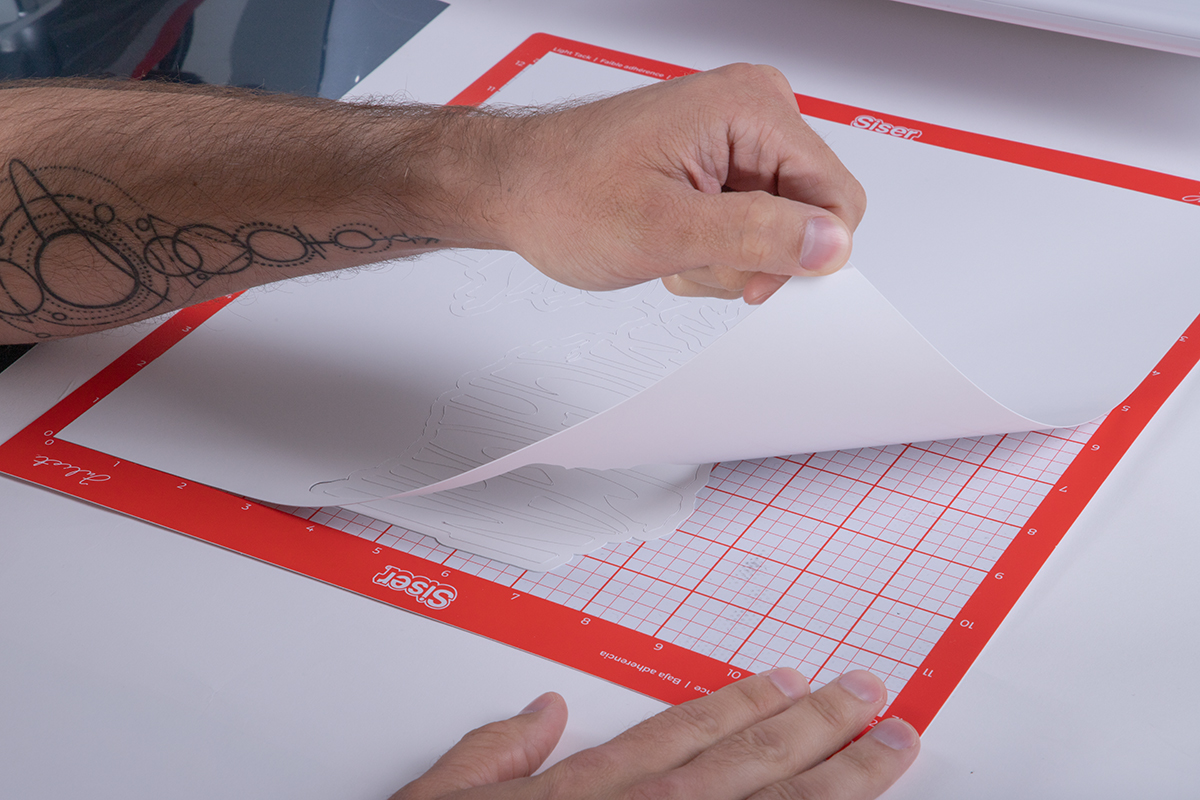
When the cut has finished, remove the mat from the cutter, then remove your stencil from the mat. (Be careful not to tear the cardstock!)
Step 4
Load the Easy Puff Metallic into the cutter. Any color of Easy Puff Metallic can be used for this effect, but I’ve personally found that Dusk Blue works the best.
You may need to use the cutting mat again to ensure the HTV feeds into the machine properly, depending on the cutter being used. Send the offset layer of the design to your cutter from the cut software.
TIP: If you’re using Romeo or Juliet, no mat is required!
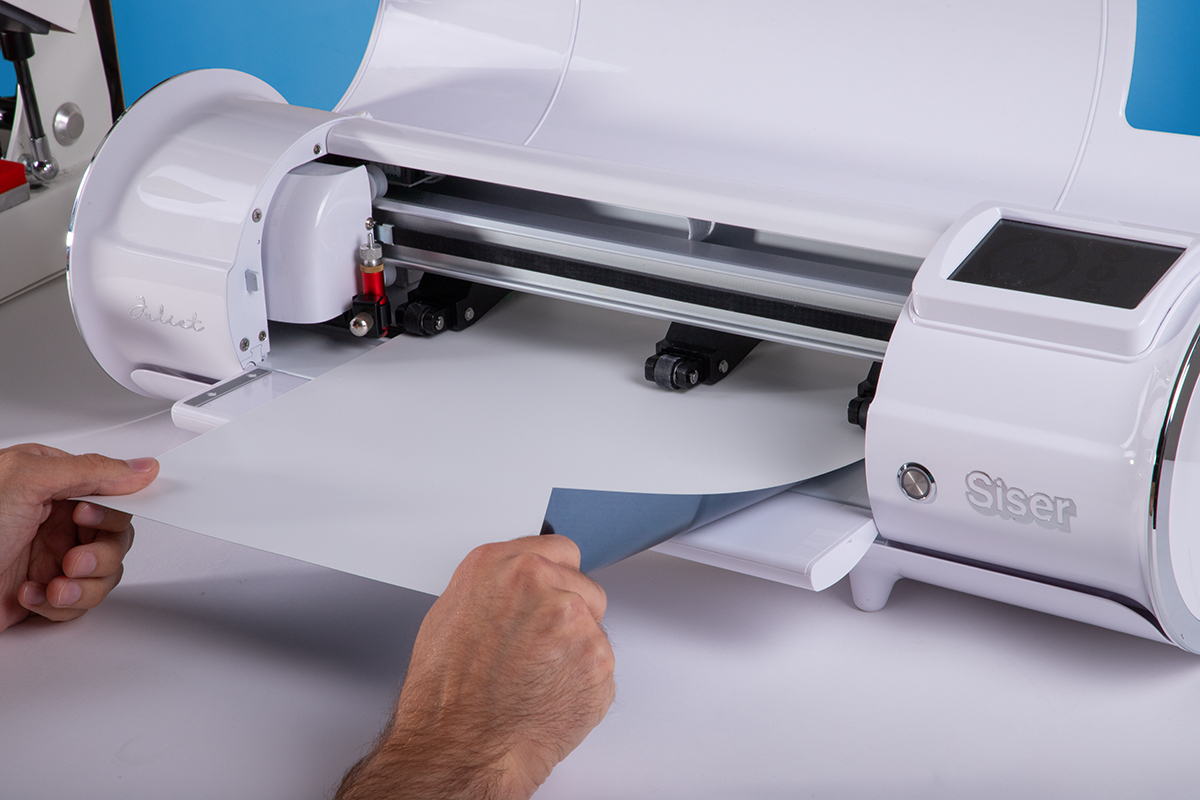
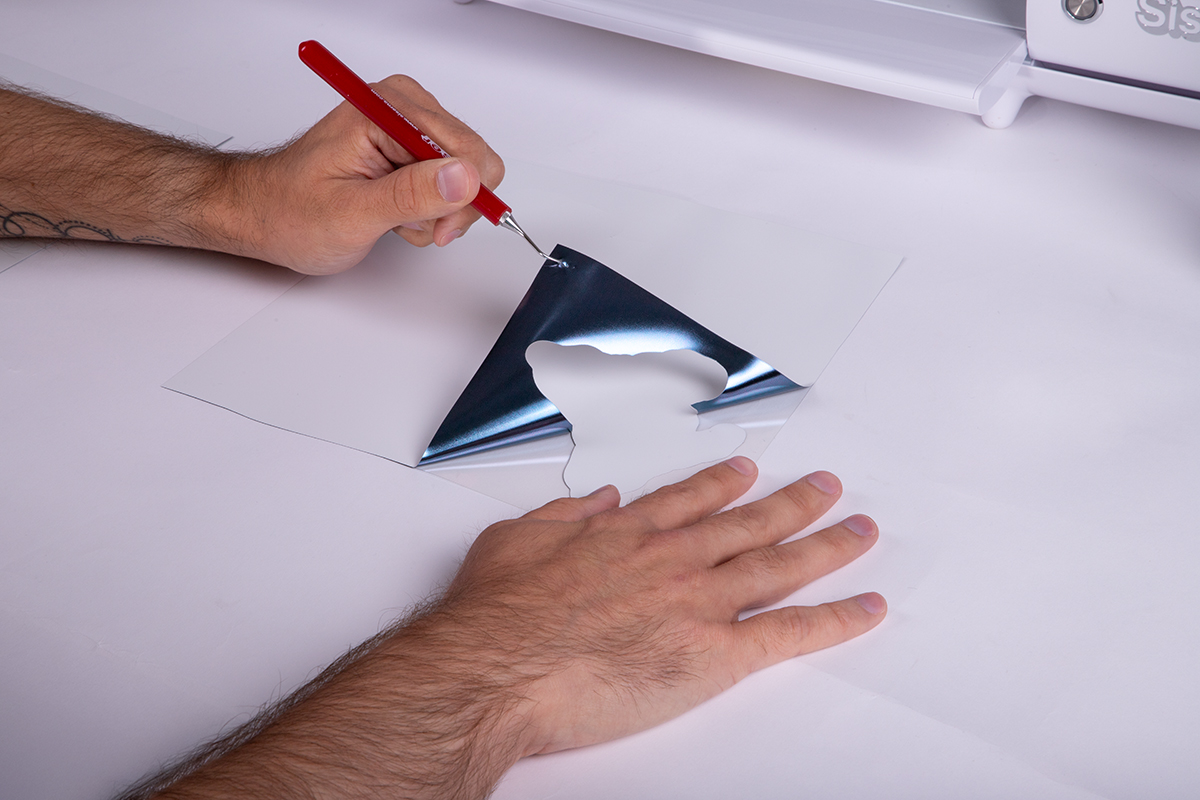
When the cut has finished, remove the material from the cutter and use the EasyWeeder to weed away any cavities or excess material.
Step 5
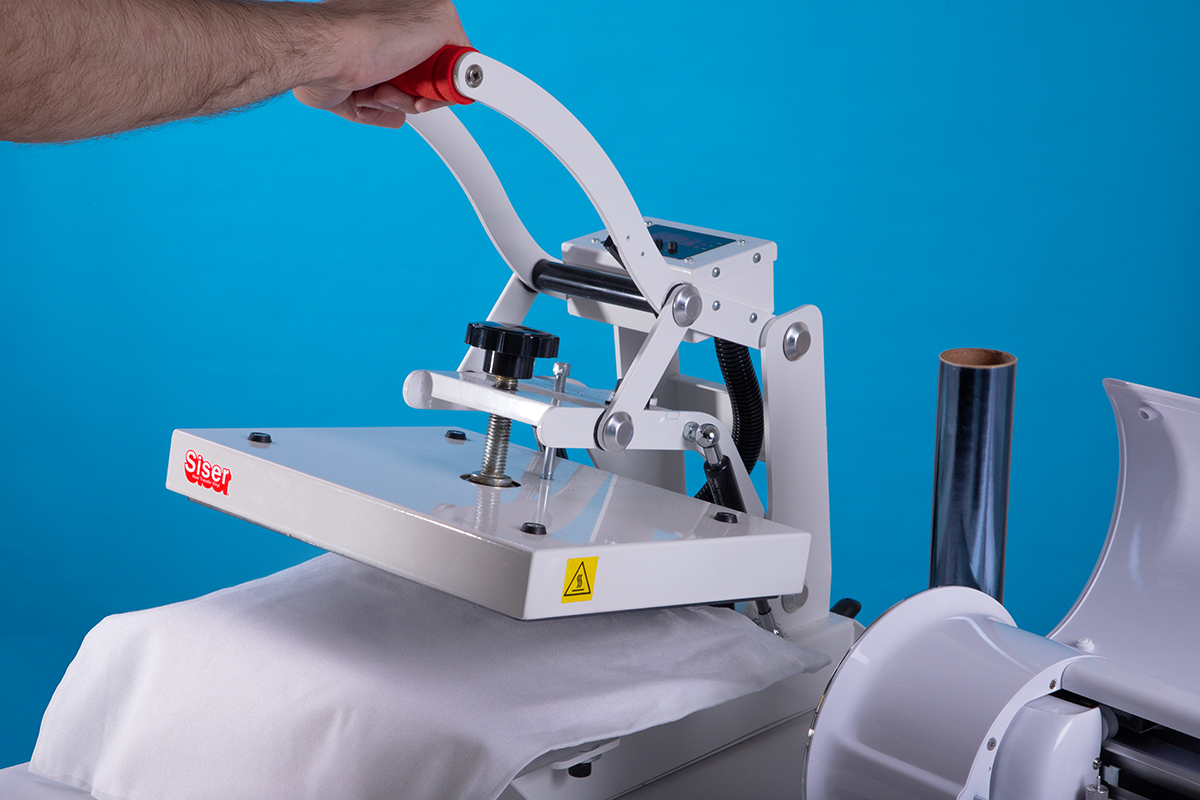
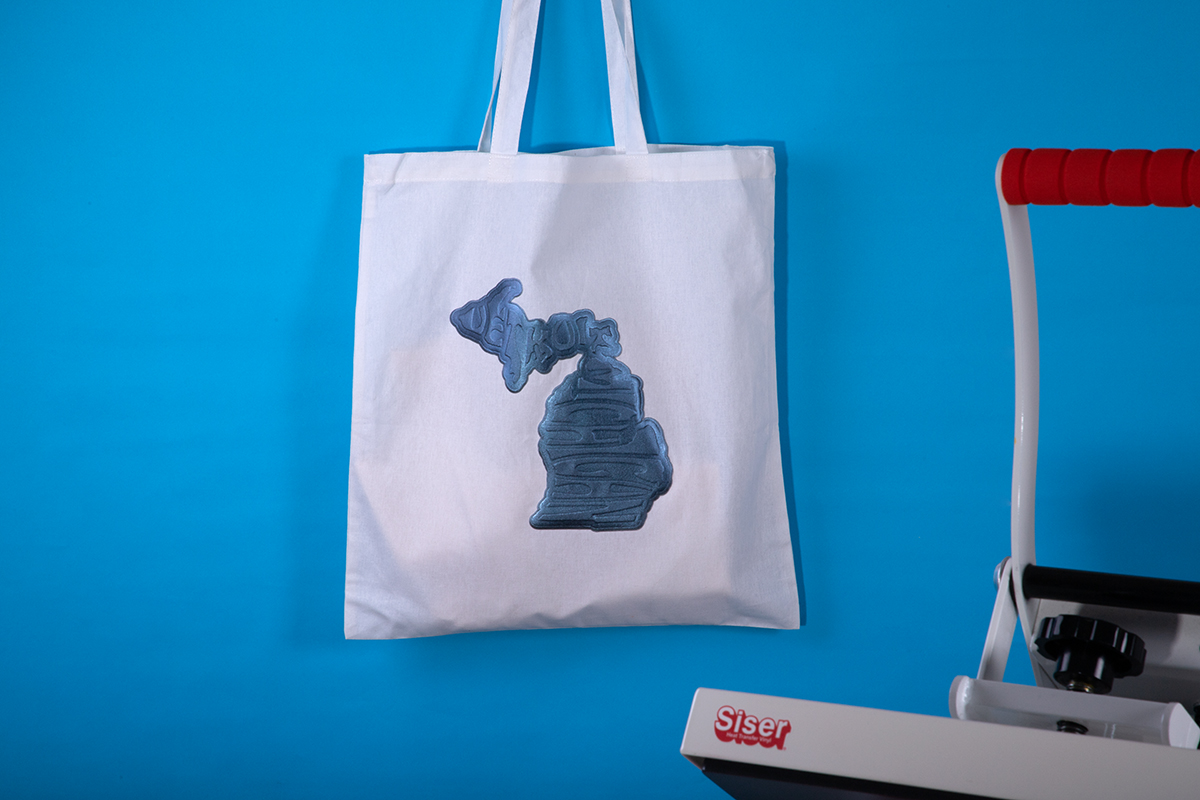
Set your heat press to 270°F (132°C). When the heat press reaches the desired temperature, place your substrate on the lower platen and pre-press it for a few seconds to remove any wrinkles or moisture. For this project, I’m using a canvas tote bag.
Step 6
Arrange the Easy Puff Metallic onto the garment. Cover with a sheet of parchment paper and press for 7 seconds with medium pressure.
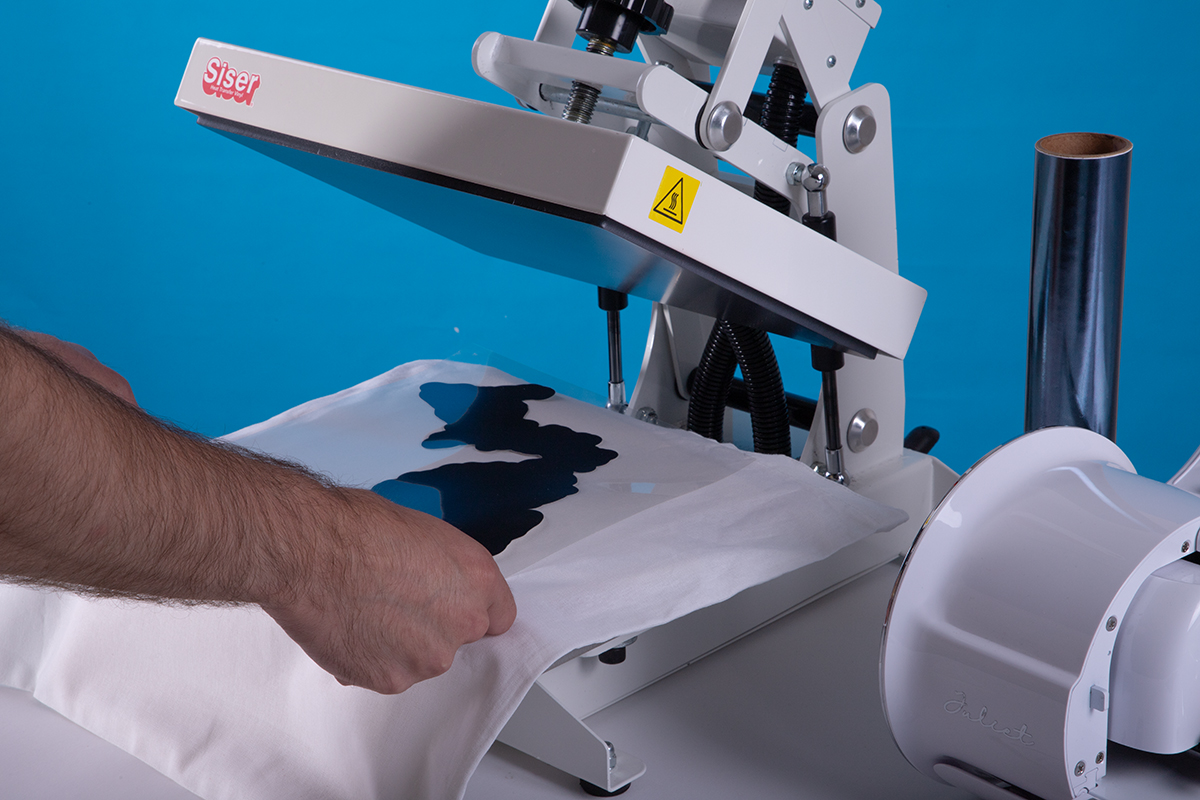
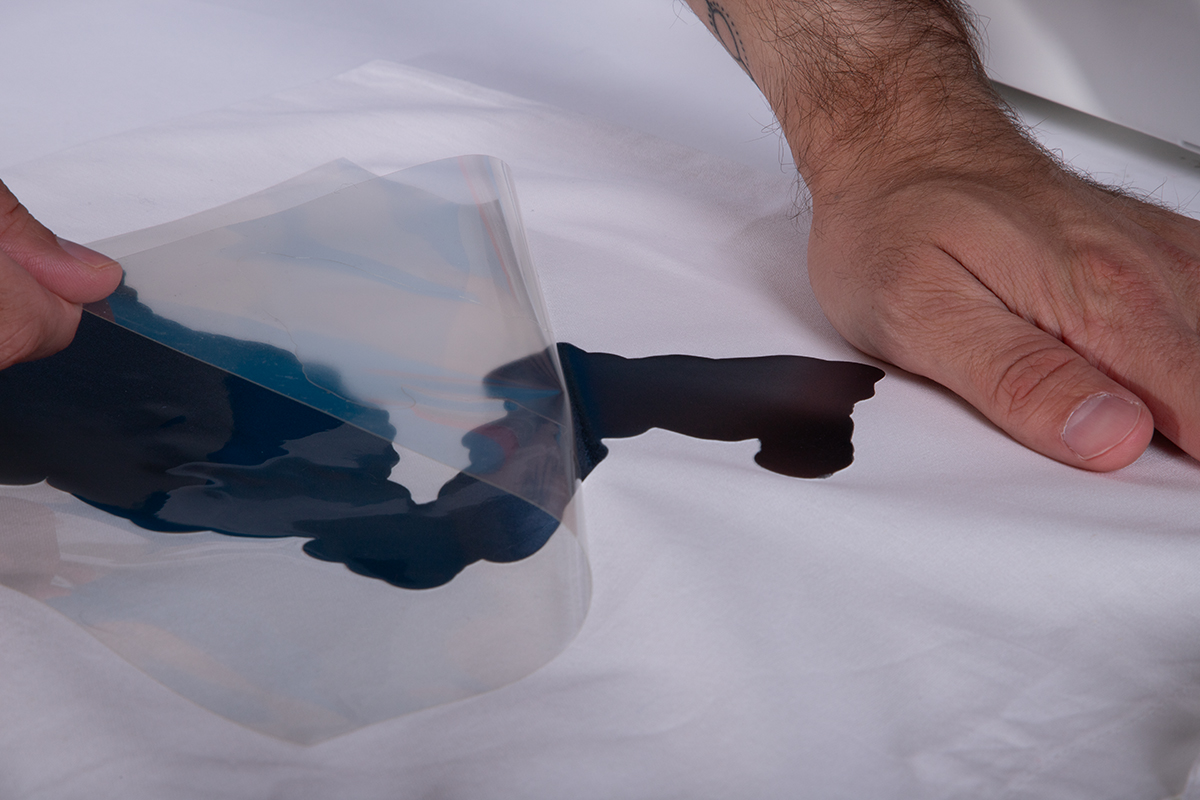
Afterwards, wait a few seconds before peeling the carrier warm.
Step 7
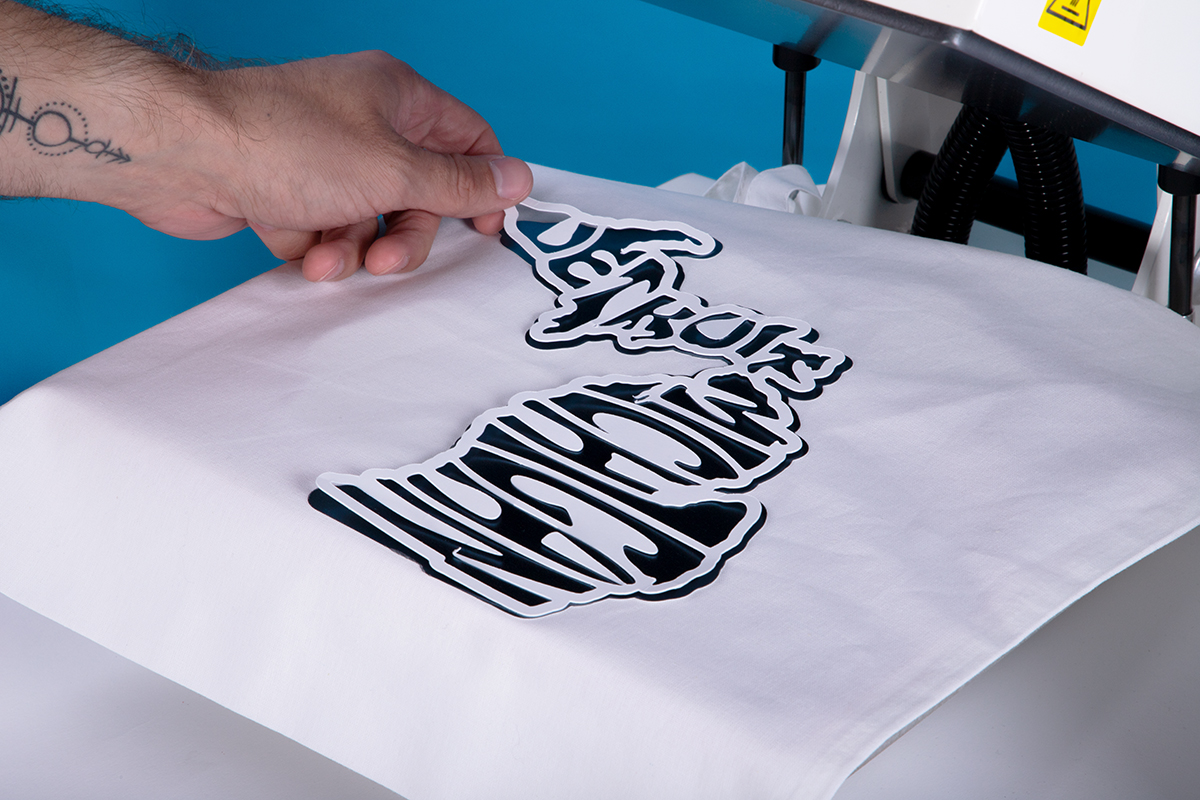
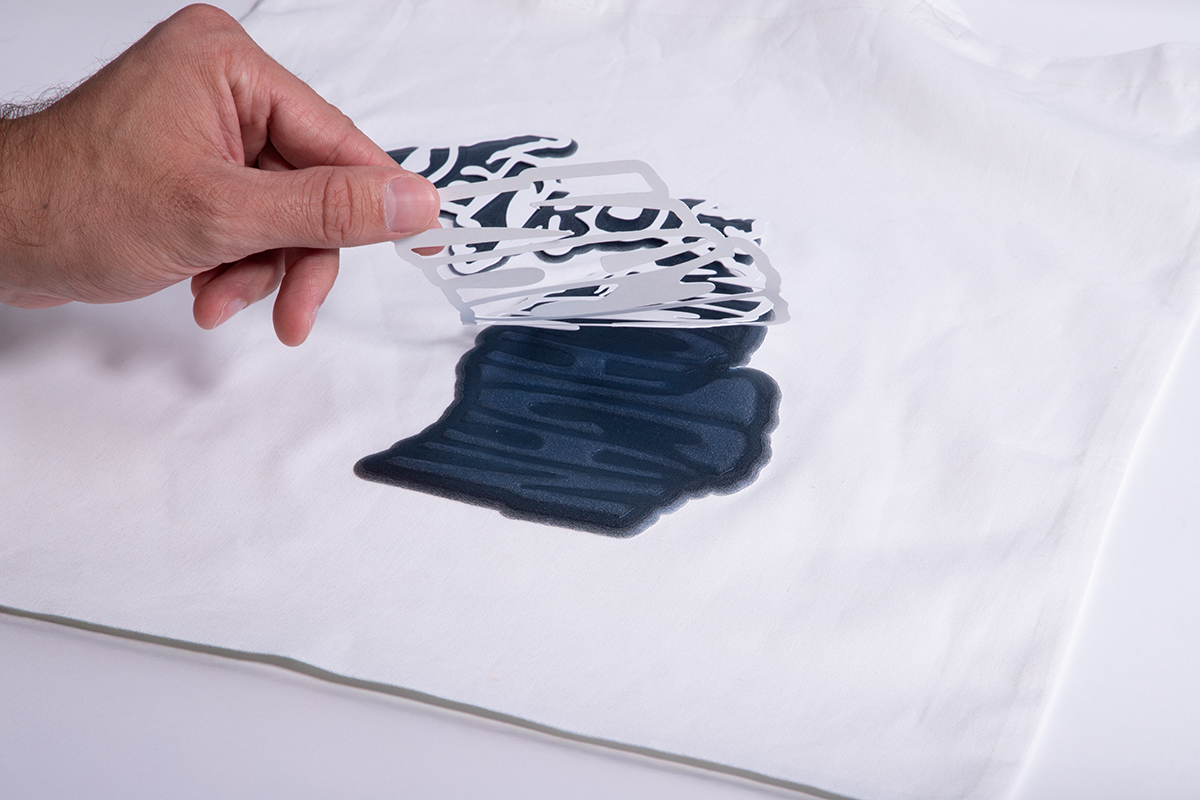
Notice how the Easy Puff Metallic hasn’t puffed up quite yet. This is what we want! Go ahead and arrange your stencil on top of the HTV, making sure it’s centered as much as possible. Cover with parchment paper again and press for an additional 7 seconds.
Step 8
After the second press, your design should have puffed up EXCEPT for the areas where the stencil was placed. Remove the stencil from the design. (Careful: it may be hot!)
That’s all there is to it! With just a single color of Easy Puff Metallic and a stencil, you can create what is essentially a tone-on-tone 2-layer design… with only one sheet of HTV!
Quick Note on Regular Easy Puff
Before we wrap this up, you may be wondering: does this effect work on regular Easy Puff too? The answer is yes*… with an asterisk!
While this method works best with Easy Puff Metallic, you can still achieve the embossed look by using a stencil on regular Easy Puff. However, there’s one key difference: use plastic stencil material only!
Due to its different composition, using a cardstock or paper stencil will cause it to stick to Easy Puff. But when you use plastic stencil material, you can still get stunning results!
You’re Ready to Emboss Like a Boss!
And just like that, you now have another trick up your sleeve to make your designs stand out! The Embossed Puff Effect just goes to show how truly versatile HTV can be, especially when you think outside the box with experimental applications.
What kind of wild creations are you thinking up using this effect? We want to hear about them in the comments!